AI Auto and Assisted Culling and Batching Tools
/
You may not think these AI tools are for you, but that’s what I thought until I learned more about how they work.
Last month I gave a webinar for The Photo Managers on AI auto and assisted culling apps. I picked six either stand alone AI apps or plug-ins and went through their features and the different ways that can assist with culling, curating, and batching. As with many things, AI, this may sound a little scary and a little foreign, but there is a big effort by a number of different companies to create these programs that at the very least, can do a lot of the heavy lifting associated with culling and editing, and at their most can cull and curate a complete shoot.
I will tell you I'm not convinced that I would entirely trust one of these apps to do a complete curation quite yet, but the AI assisted culling, and especially the batching features, I found to be helpful and a big step in the right direction that might benefit many photographers, regardless of the subjects they shoot.
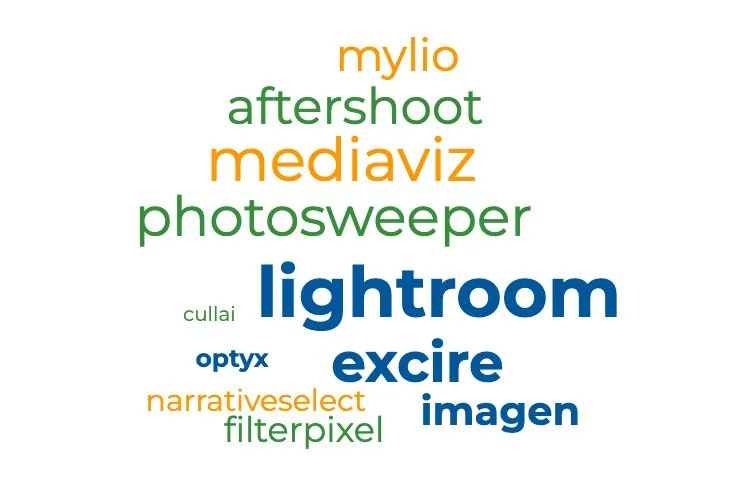
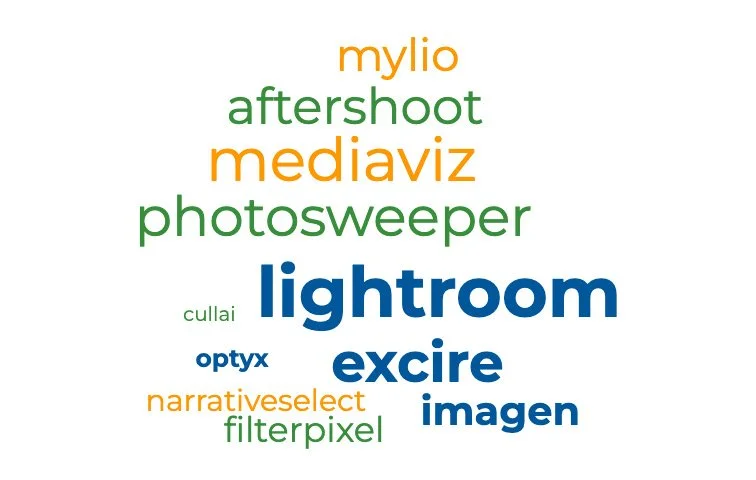
I tried to pick six programs that all had somewhat different approaches to their workflows. They were Lightroom Classic, Photosweeper, MediaViz, Excire’s Lightroom plug-in, Aftershoot, and Mylio.
Batching
They all did a good job with AI batching, which is a feature that organizes and collects similar groups of images based on image similarity, capture date or combinations there of. They all do it slightly different from each other, but the end result is an organized collection of groups within a particular shoot that enable you to more easily cull out the rejects and identify your selects.
I know for myself after a big shoot, whether it's for a client or just a few hours spent shooting along the LA river or a local wetlands, I will have hundreds of images I'm staring at and can feel slightly to very overwhelmed by the daunting task of figuring out where to start. So batching can be a quick and easy first step to organize the shoot according to whatever similarities and criteria I choose. It seems far less daunting to approach smaller groupings of similar images and then begin the task of identifying the ones I want and the ones I don't.
Culling
So when I use the term heavy lifting, that's one of the areas I feel these AI tools can be the most helpful.
Most of the assisted culling features deal with shoots such as portraits, head shots, or weddings, where there tends to be a large number of images of people taken in various scenarios or poses. The assisted culling can go through and identify images that are out of focus, or people with eyes closed or partially closed. Imagine how helpful that would be with group shots.
In any case, the heavy lifting of identifying almost certain rejects is a tremendous help in reducing the number of images that you have to wade through, leaving you with a much more manageable number of images to choose your selects and seconds.
I can't go through all the different ways these programs work, but most of them have a free trial, which I would encourage you to play with. If you are a Lightroom Classic user, it's included in the recent upgrades.
I did a short video on how the Lightroom assisted culling and batching tool works, which I posted last year and I'm reposting here again if you're interested.
If you would like some personal instruction in the Lightroom’s AI Assisted Culling and Batching tools, send me an email, or give me a call (310-312-6640) and we can schedule up time to go through it and set up a workflow for you.