Lightroom keyboard commands
/My first video - How to use keyboard commands to quickly and easily navigate Adobe Lightroom.
Get the latest info about photo organizing, photo editing, workflow, scanning and new products to help you keep your family photos organized.
I deal with the same challenges and frustrations you do. I'm always searching for, and trying to keep up with the latest photo technologies and tips, so let me do all the hard work and sort it all out for you.
Below you will find some of the post I’ve written for my newsletter. To sign up to receive the full newsletter, use the link in the sidebar.
My first video - How to use keyboard commands to quickly and easily navigate Adobe Lightroom.


Preserving Your Legacy -

De-duping with PhotoSweeper
PhotoSweeper is the most powerful and comprehensive duplicate remover for Mac systems.

De-duping with Cisdem
A step-by-step guide to successfully removing duplicates from your photo collection using Cisdem Duplicate Finder—for both Mac and Windows.

Building Blocks of Photo Organizing
A comprehensive course on digital imaging and organizing—everything from A to Z—to help anyone understand the basics of how it all works.

My upcoming classes at the Los Angeles Center of Photography.
Schedule here
You may not think these AI tools are for you, but that’s what I thought until I learned more about how they work.
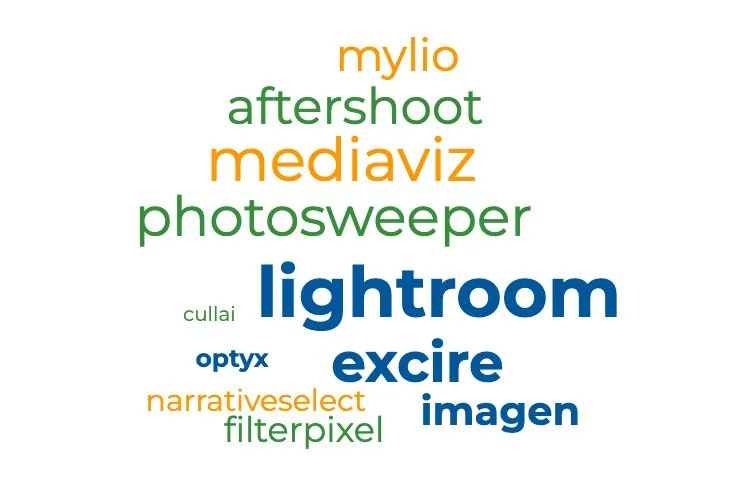
Last month I gave a webinar for The Photo Managers on AI auto and assisted culling apps. I picked six either stand alone AI apps or plug-ins and went through their features and the different ways that can assist with culling, curating, and batching.
Lightroom Classic's new AI Assisted Culling tool is the first AI feature Lightroom has launched in the Library module. All the others are located in LR’s Develop module and assist with masking, generative removal, and de-noising.

email - peter(at)fotoflowsolutions.com phone - (three one zero) - 312-6640 All photos ©Peter Bennett - All Rights Reserved
Powered by Squarespace